
01 / WATCH
See what they see.
Share, watch, or do both. Streams carry no game audio. Rejoin your lobby if a tab closes.
 STREAMSQUADSTREAMSQUAD
Escape from Tarkov companion
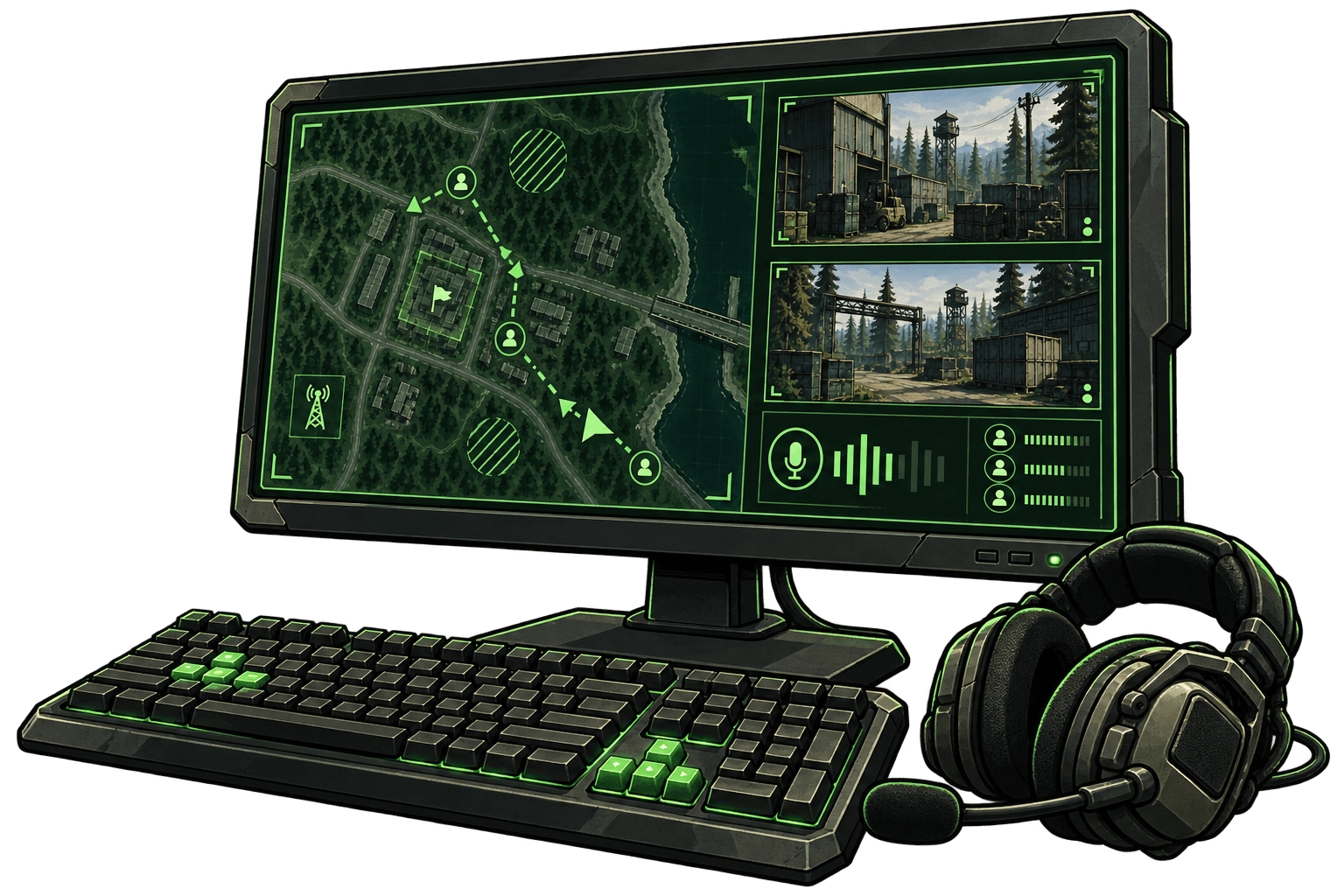
Use a private solo map, or bring up to five players together with shared maps, silent screens, voice, and chat.
Opening your space…
A clearer picture of the raid
Find your way with a private solo map, or keep your squad's screens and callouts in reach.
Share, watch, or do both. Streams carry no game audio. Rejoin your lobby if a tab closes.
Explore floors and layers with extracts, spawns, transits, and grid coordinates. Ping for free and follow the leader’s map. Squad Pass adds drawings and quest pins; solo plans save in this browser.
Watch squad screens, use the map, and chat on a paired phone. Switch watching between devices; sharing and voice stay on PC. No extra player slot.
Join when you want, with noise suppression, a mic test, mute, deafen, and separate teammate volumes.
Send text, links, emoji, screenshots, and GIFs. Chat from your paired phone or show message previews over your overlay.
Search quests and check objectives, items, keys, rewards, and prerequisites for free. Squad Pass adds map pins and sharing.
Add friends by callsign and send lobby invites, or share a private link. Leaders can reset links and remove players.
Choose a grid, spotlight, stack, or streams beside the map. Open a feed fullscreen and choose your screen sharing quality.
Keep maps, streams, or both above a borderless or windowed game. Use the Windows app or a supported desktop browser.
Save a map, floor, drawings, and your quest selections with Squad Pass. Preview before loading, and share through a link you can revoke.
Watch teammates through a bodycam or CRT look. Only your view changes.
THE NEXT RAID STARTS HERE
Sign in, choose how you're playing, and get straight to the raid. Your own map or a room for the whole squad.
SIGN IN TO PLAYStreamSquad for Windows
Your maps, squad screens, voice, and chat in one app. Keep your squad within reach and your focus on the raid.
Free download · Windows 64-bit · v0.1.104
Already playing on the web? Your account works here, too.
Before you install
StreamSquad isn't code signed yet, so Microsoft Defender SmartScreen shows a blue “Windows protected your PC” screen with an unknown publisher. It isn't a virus alert. Windows just hasn't seen the file often enough to trust it.
Click More info.
Click Run anyway.
A new version can show it again. Updates from inside the app don't. Only download StreamSquad from streamsquad.app.
Keep maps and streams in a resizable overlay with adjustable opacity and optional Windows capture exclusion.
Customize global shortcuts for maps, mute, push to talk, and more, even while Tarkov has focus.
Screen sharing and voice keep running in the tray. Reopen the app right where you left off.
New versions download automatically. You choose when to restart and install, so your raid comes first.
Squad Pass
Planning for your whole lobby, personal appearance, and Squad Boost.
7 days free for your first Pro pass
Draw routes, pin objectives, save Playbooks, and make your callsign yours. One active holder unlocks planning for the whole squad.
Explore Squad Pass $8/month or $80/year after the trial. Trial includes 1 total personal Boost hour. Cancel anytime.Support StreamSquad
Maps and squad essentials stay free. Optional Patreon support funds development and is separate from Squad Pass.


